
SolosetiPhone camera + Mac app
Hands on the work. Camera on cue.
Put your iPhone wherever the shot is: above the desk, in front of you, at your side. Watch the live shot on your Mac, start, pause and mark the best moments with a key or a foot pedal, and every take lands on your Mac, checked.
- 14-day free trial
- iPhone app free
- Pay once, no subscription
Made for nail artists.
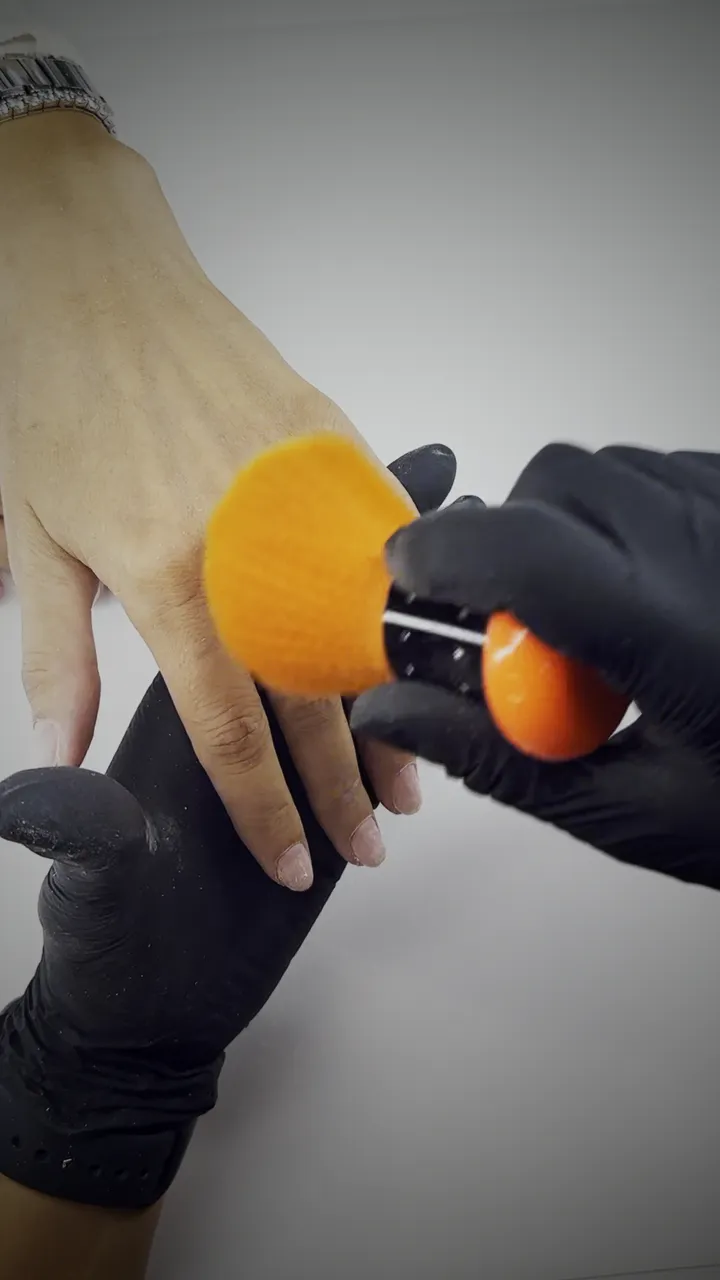
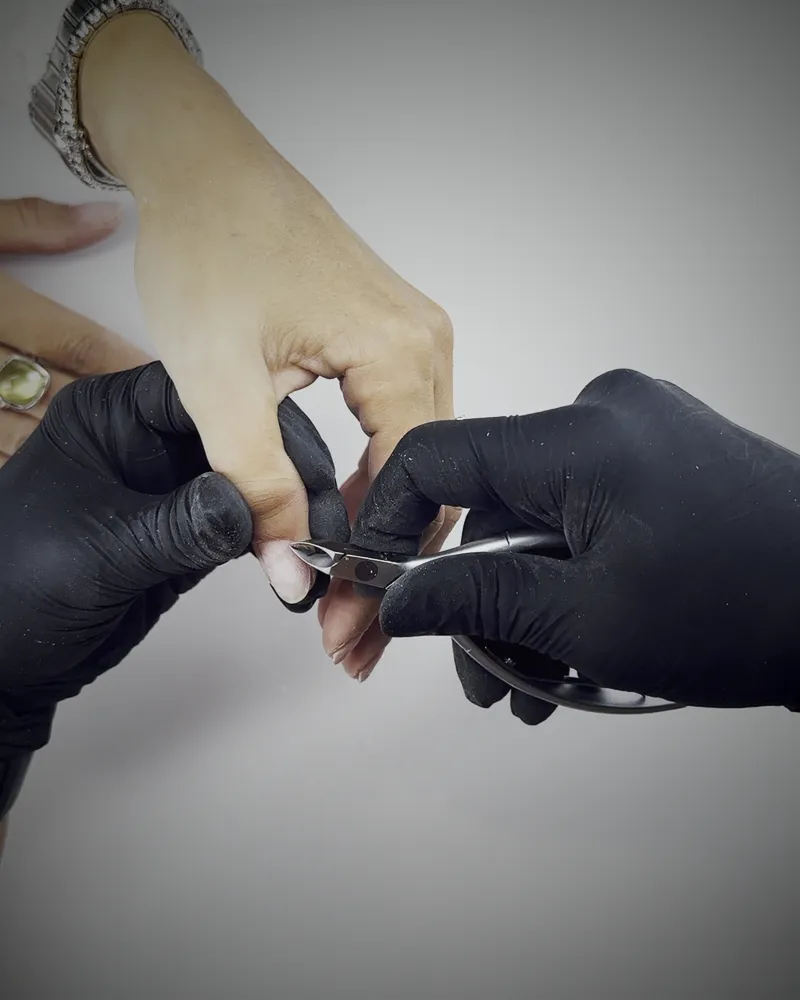
If your hands are the show, Soloset is your crew. It started with nails; anything you make with your hands fits.
Put it anywhere. Run it hands-free.
Four steps, and the first two happen once.
Mount the phone
Above the desk, in front of you or at your side: wherever the shot is. Any phone mount, arm or tripod works.
Pair once
Your Mac shows a code, your iPhone scans it. The link is encrypted for that pair and stays on your own network.
Shoot hands-free
Space starts and pauses, H marks a highlight, M records a memo while paused, Return held stops. A foot pedal does the same.
Find it on your Mac
The phone records the full-quality original. Every file is copied to your Mac and checked before the take shows as done.
The crew you don't have. Try it.
This is the Mac app, working in your browser. Click the window, then use the real keys: Space starts, pauses and resumes, H marks a highlight, M records a memo while paused, ↩ stops (in the app you hold it for a second). On a phone, tap the keys.
Click the window, then press Space. Or tap a key.
Free on the iPhone. Nothing in the way.
A full-screen picture, the red tag while recording, and nothing to tap mid-take. Pairing is one scan of the code your Mac shows. And the phone works on its own too: start and stop on the phone, and the files wait there for your Mac.
TODO(robi): App Store link and Apple's badge
Pair with your Mac
Open Soloset on your Mac and point the camera at the code it shows.
Scan the codeType the code insteadWhat a camera operator does, on one key.
Everything is built around one fact: your hands are busy, so the camera has to listen to something else.
A pedal or the keyboard
Start, pause, resume and stop with the keys you choose, or any foot pedal that types a key. Nothing to touch with messy or gloved hands.
Mark the moment
Press H when it looks good. The marker sits on the exact frame, so you find your best moments without scrubbing.
Talk between steps
Pause and press M to say what you would say in the edit. The memo is saved with the take, at that point.
Every file checked
Each file is copied to your Mac and compared with the phone's copy. A Wi-Fi drop costs the preview, never the take.
Ready to edit
Send a finished take to a folder as one bundle: the video segments in order, the memos, the markers and a manifest.
Yours, and local
Phone and Mac talk directly on your network, encrypted for that pair. No account, no cloud, no tracking.
Every take, checked and on your Mac.
The phone records the original at full quality; the preview on your Mac is a separate, lighter stream. So a bad Wi-Fi moment costs you a few frames of preview, never a frame of the take.
- seg-01.mov1.9 GBChecked
- memos/m1-1.m4a0.4 MBChecked
- seg-02.mov2.3 GBChecked
- events.jsonl6 KBChecked
- manifest.json3 KBChecked
- Pause makes a new piece, not a new take. Each stretch you record is its own file, joined in order on export.
- Every file is compared, one by one. A take only shows as done when the Mac's copy matches the phone's.
- The originals stay on the phone until you remove them. If you let the Mac free space on the phone, it only removes takes it has already checked.
Your work stays yours.
Soloset is two apps that talk only to each other. There is nothing in between to sign up for, sync to, or leak.
Nothing to sign up for
Install both apps, scan a code, film. There is no login, no email list, no profile.
Phone to Mac, directly
The picture, the commands and the files go straight over your own network, encrypted with a key only that phone and that Mac share.
Not in the apps, not here
No analytics, no ads, no tracking code in the apps. This website has no cookies and no tracking either.
Free on the phone. One price for the Mac.
Try every feature for 14 days, from your first take. If it earns its place on your desk, buy it once.
Soloset for Mac
- 14-day free trial with every feature, no card
- Live preview, hands-free keys and pedal, highlights and memos
- One licence for up to 3 of your Macs
- Every 1.x update included
Sold by Polar, our reseller, which adds or includes tax at checkout. 14-day refund, no questions.
Soloset for iPhone
- Records 4K takes on its own, no Mac needed
- Pairs with your Mac in one scan
- iOS 18.2 or later
TODO(robi): App Store link and Apple's badge
Before you press record.
Which iPhone and Mac do I need?
An iPhone with iOS 18.2 or later and a Mac with macOS 14 Sonoma or later, on the same Wi-Fi network. No cable, no account.
Does the phone need the Mac to record?
No. The iPhone app records on its own, and the files wait on the phone until your Mac picks them up. The Mac adds the live preview, hands-free control, highlights, memos and the checked copy.
Which foot pedals work?
Any Bluetooth or USB pedal that types a key on your Mac. You teach Soloset its keys in Settings › Hands-free. For a pedal that cannot hold a key, stop can be a double press.
Is it only for overhead shots?
No. Above the desk, in front of you or at your side: wherever the phone sees your hands. Any phone mount, arm or tripod works.
Does anything go to the cloud?
No. The phone and the Mac talk directly on your own network, encrypted with a key only that pair has. Your takes never pass through us or anyone else.
What happens when the trial ends?
Your footage stays yours. The Mac keeps copying, checking and listing every take, and the phone keeps recording on its own. The live preview and take control on the Mac wait for a licence.
How much space does a take need?
About 13 to 18 GB per hour of 4K at 30 frames per second, measured on real sessions. The phone shows the time you have left, and a take stops on its own before the phone runs out of space.
A whole film set. Just you.
Mount the phone, pair once, and keep your hands on the work. Try it free for 14 days.